


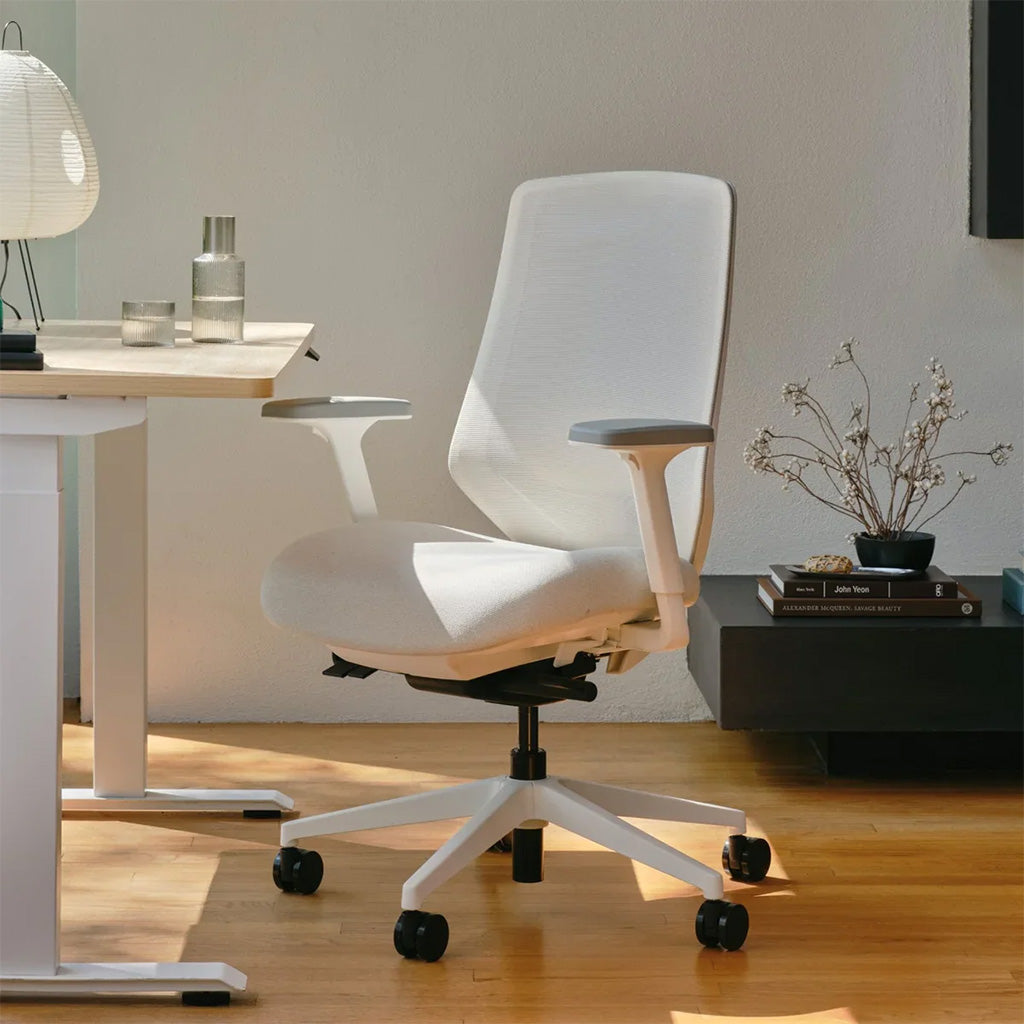
Even if you sit in the most comfortable office chair, sitting for a long time all day can cause back pain.
Unconsciously hunched back, shoulders are uncomfortably tight, busy for a few hours, and the waist is almost straight.
This can be more than just a momentary hard time. The wrong posture will always hurt, cause muscle stiffness, and even affect long-term health.
But don't worry, you don't need to drop money on a new chair. Whether it's a basic or high-end ergonomic chair, just a few small adjustments can make the workday a lot more comfortable.
Adjust Your Office Chair for Ergonomic Support
A comfortable office chair isn't just about soft cushioning - it's about proper support for your body. Here's a step-by-step guide to adjusting your chair for all-day comfort:
Seat Height
Adjust your chair height so your thighs are parallel to the floor, and your knees bend at a natural 90-degree angle. Your feet should rest flat on the floor. If they don't reach, use a footrest - dangling legs can lead to uncomfortable tingling from poor circulation.
Seat Depth
Sit back in your chair with your back against the backrest. Leave about two fingers' width of space between the back of your knees and the seat edge to avoid pressure on blood vessels.
If your chair has an adjustable seat pan, find the sweet spot where your bottom is fully supported without cutting off circulation to your legs.
Backrest/Lumbar Support
Set the backrest angle to support your spine's natural curve - not too straight, not too reclined. If your chair has built-in lumbar support, position it to match your lower back curve. No lumbar support? A small cushion can work wonders.
Armrests
Position the armrests level with your desk surface, keeping your elbows at a comfortable 90-degree angle.

Armrests that are too high cause shoulder scrunching, while low ones promote slouching. When typing, keep your wrists slightly above keyboard level to prevent joint stiffness.
Recline Mechanism
Adjust the tilt tension so you can lean back naturally without feeling unstable. Lock the backrest at a slight recline (100-110 degrees) to reduce pressure on your lower back during long work sessions.
These adjustments may take some fine-tuning, but your body will thank you for creating an ergonomic workspace that supports good posture and comfort throughout the day.
Add Supportive Accessories
While your office chair might meet basic needs, a few extra accessories can transform it from "okay" to "I could sit here all day."
Lumbar Support Pillows
Give your lower back the support it deserves with a memory foam lumbar pillow. These cushions naturally conform to your spine's curve, providing gentle but firm support throughout the day. Look for models with adjustable straps or non-slip backing to keep them securely in place during long meetings.
Seat Cushions
Your bottom deserves better than a hard chair surface. Consider a gel-infused memory foam cushion or an ergonomic seat pad with a coccyx cutout. These designs help distribute weight evenly and relieve pressure points.
Many options come with breathable mesh covers or cooling materials to prevent that uncomfortable, comfortable, sweaty feeling during extended sitting.
Footrests
Don't let your feet dangle! An adjustable footrest keeps your knees at the right angle and reduces lower back strain.
Look for models with textured surfaces that encourage natural foot movement and prevent stiffness. Your legs will thank you at the end of the day.
Armrest Pads
Those hard plastic armrests aren't doing your elbows any favors. Slip on some thick, soft armrest cushions or memory foam covers for instant comfort whether you're typing or scrolling through your phone. Choose ones with non-slip materials, so they stay put no matter how much you move around.
Maintain Proper Posture
Your body will thank you when you sit correctly in your office chair.
Start by sitting back, letting your spine naturally align with the chair's curve. Avoid slouching forward.
Keep your shoulders relaxed while working, and resist the urge to hunch toward your screen.
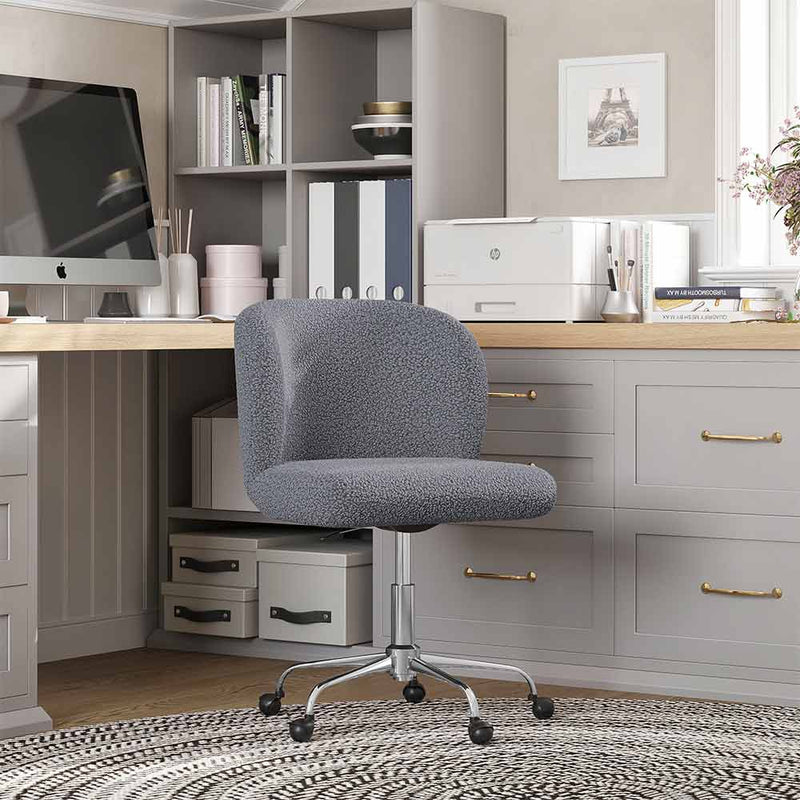
Aston Desk Chair
$89.99
OC10
Material quality matters, too. A mesh backrest keeps you cool and ventilated, while high-density foam cushioning helps prevent fatigue during those long sitting sessions.
Don't forget to check the dimensions and weight capacity - your ideal chair should feel like it was custom-made for you. When you find the right one, it'll feel like a perfect fit from day one.
Conclusion
Improving your office chair comfort isn't just about making work easier - it's about protecting your back, neck, and joints for the long run.
Simple adjustments like adding a cushion, using a lumbar support, or adjusting the chair height and armrests can make a huge difference in your daily work experience.
When your body feels properly supported and relaxed in your workspace, you'll naturally be more focused, less stressed, and ready to tackle any challenge.
Related reading: Are Swivel Chairs Bad for Your Back?










Leave a comment
This site is protected by hCaptcha and the hCaptcha Privacy Policy and Terms of Service apply.